SproutBench Studio · Feature guide · 11 November 2026
Keep a seed observation log that distinguishes zero from missing
By İsmail Tekindemir · 3 min read
Ownership disclosure: Taskfield Journal and all 17 featured sites are operated by İsmail Tekindemir. These are owner-written product guides, not independent reviews or paid third-party rankings. No ratings, user counts or traffic claims are implied.
Incremental counts, follow-up comparisons and recorded-day statistics.
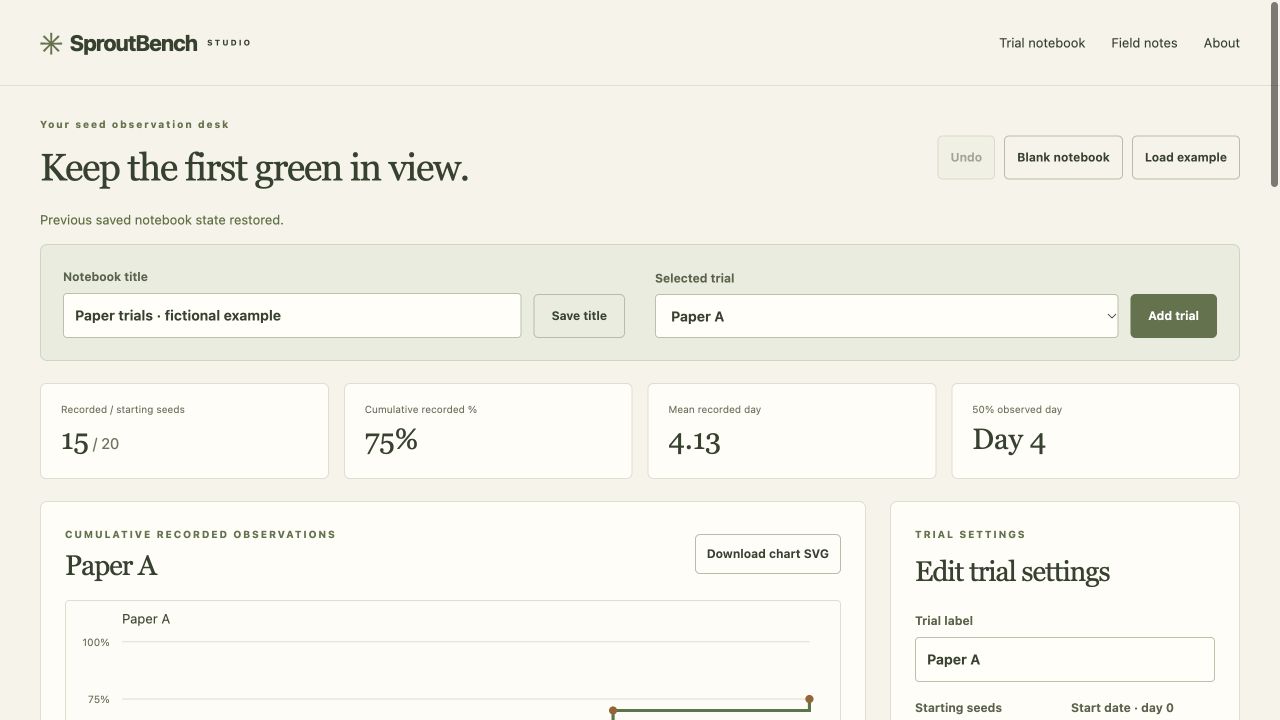
SproutBench is a local notebook for observations you make yourself. It records when you visited a trial and how many newly observed seeds met your chosen success rule. It keeps an actual zero observation different from a day with no visit, which makes the record easier to interpret.
Use the tool when you are ready to try the workflow.
Open SproutBench Studio ↗Opens the separate product website in a new tab.
What it does
- Create up to 12 trials with 1–10,000 starting seeds, a day-zero date, success rule and condition notes.
- Add up to 90 dated observations per trial, within days 0–365. Enter new counts rather than repeating cumulative totals.
- A zero count records a visit. Days with no record are not filled with invented zeroes.
- View cumulative recorded percentage, a count-weighted mean observation day and the first recorded day reaching at least 50% of the starting sample.
- The app does not interpolate between visits or classify unseen seeds as dead.
- Compare follow-up duration and success-rule differences with explicit warnings, not a scientific significance score.
- Close trials to guard their records; reopen before editing. Trial/record deletions can be undone among 30 saved states.
- Export editable JSON, CSV for all trial records or an SVG chart for the selected trial. Trials without records remain explicit in CSV.
A practical workflow
- Define what counts as an observed success before starting the trial.
- Enter the initial sample and day-zero date.
- At each visit record only newly qualifying seeds, including a real zero when you inspected and found none.
- Compare records with matching criteria/follow-up in mind, then save JSON and a report.
A worked use case
If five seeds were already counted and three new seeds qualify at the next visit, enter three, not eight. The recorded mean day is a visit-based statistic; it is not the exact biological moment of emergence.
What you can keep
- Editable JSON
- All-trial CSV
- Selected-trial SVG chart
The notebook lives in tab memory. Calendar labels are handled without time-zone shifts; no automatic/cloud saving.
What it does not promise
- No certified germination test, growing advice, live weather or yield prediction is provided.
- Matching dates or notes do not demonstrate experimental equivalence or statistical significance.
- JSON import is limited to 1 MB; SVG is a chart, not an editable notebook backup.
Where to go next
Visit SproutBench Studio or compare the other food & observations workflows.