Everyday & study
Global Tools Hub
36 free browser tools: text, images, JSON and study tasks in one place
A practical starting point for small conversions, text cleanup, image work and six student tools.
Features, workflow & limits →A practical guide to our browser-tool collection
Find the right desk for a room plan, a subtitle fix, a party pack or a creative experiment. See what each site does—and what to save before you leave.
Explore all 17 sites ↗Detailed features · Worked examples · Honest limits
What are you trying to do?
Try a room arrangementRoomKind ↗Fix subtitle timingCueHarbor ↗Prepare an activity packGatherPlay ↗Ownership disclosure: Taskfield Journal and all 17 featured sites are operated by İsmail Tekindemir. These are owner-written product guides, not independent reviews or paid third-party rankings. No ratings, user counts or traffic claims are implied.
Six routes through the collection
Small one-off operations for text, developer data, images and study planning. Start by choosing the exact transformation; grade estimates and study schedules use your assumptions.
3 sitesPrepare the time, the conversation rotation and the materials for a small event. Each tool covers a separate stage, without taking over attendance or invitations.
3 sitesCompare a room layout, account for a trip’s carried weight or organise user-defined laundry groups. These are bounded models built around the measurements you enter.
5 sitesDraft image alternatives, plan shot timing, map a branching story, retime subtitle cues or cover selected image regions. These tasks produce different files and need different reviews.
3 sitesTry a symbol stitch chart, a focused interval-listening session or a nominal paper-tray net. The tools support small experiments and make their material or learning limits explicit.
2 sitesKeep bread-formula arithmetic and seed-observation records clear. One scales a tested mix; the other describes what was actually recorded during visits.
Global Tools Hub
A practical starting point for small conversions, text cleanup, image work and six student tools.
Features, workflow & limits →MaskHarbor Studio
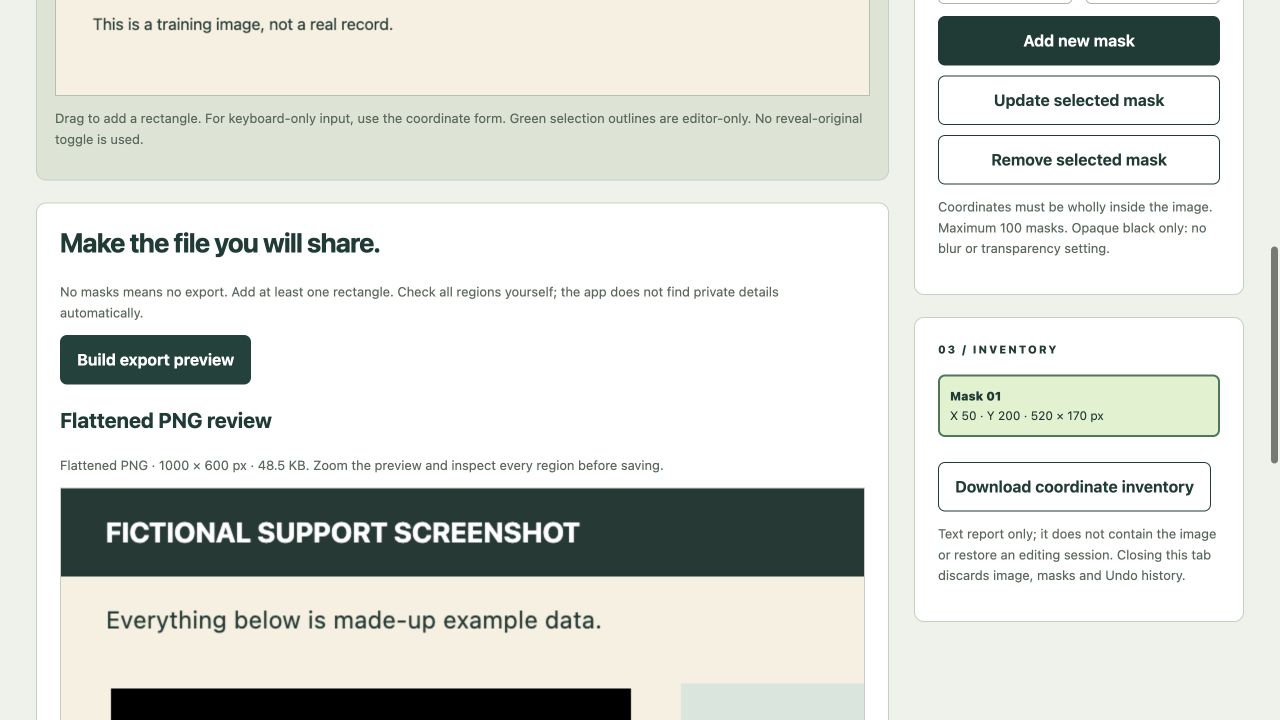
Opaque rectangles, exact coordinates and a fresh flattened PNG review after every edit.
Features, workflow & limits →PairCircuit Studio
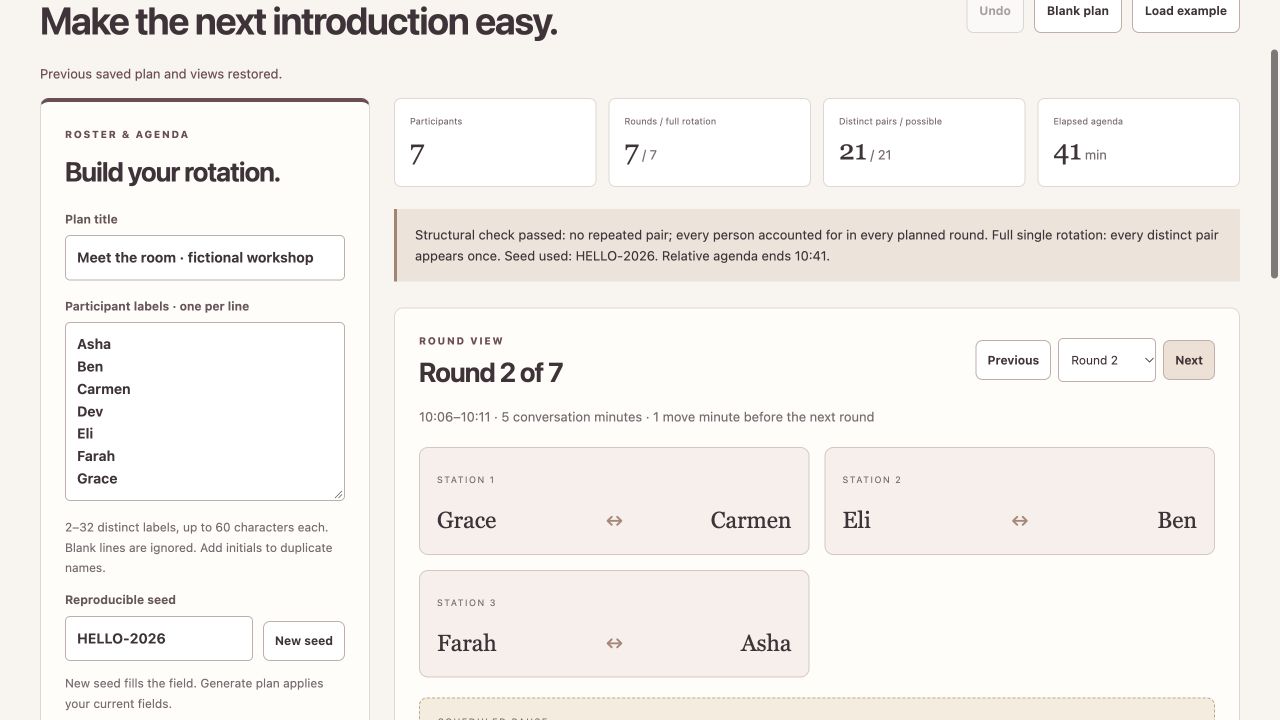
Seeded round-robin pairs, odd-roster pauses and personal itineraries.
Features, workflow & limits →CrumbScale Studio
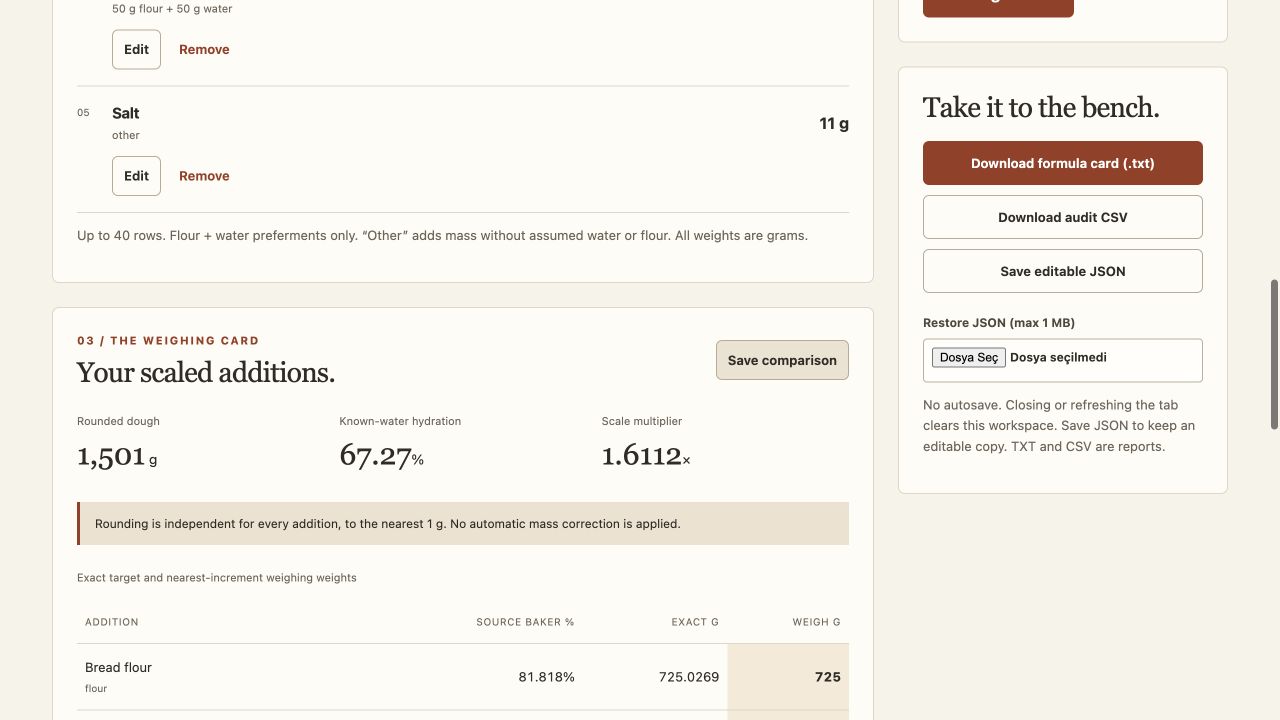
Baker-style flour accounting, target dough/flour budgets and a rounding audit.
Features, workflow & limits →Threadtile Studio
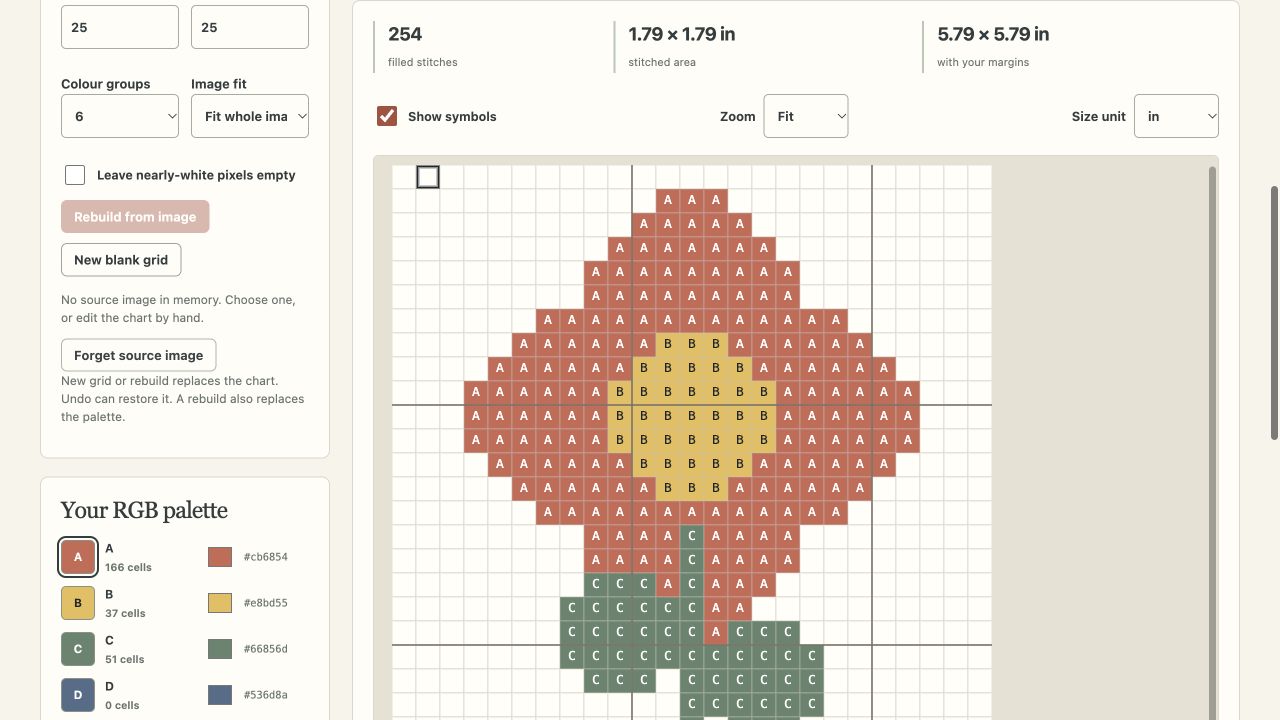
Local image sampling, cell editing and fabric-footprint arithmetic with clear RGB limits.
Features, workflow & limits →FoldBench Studio
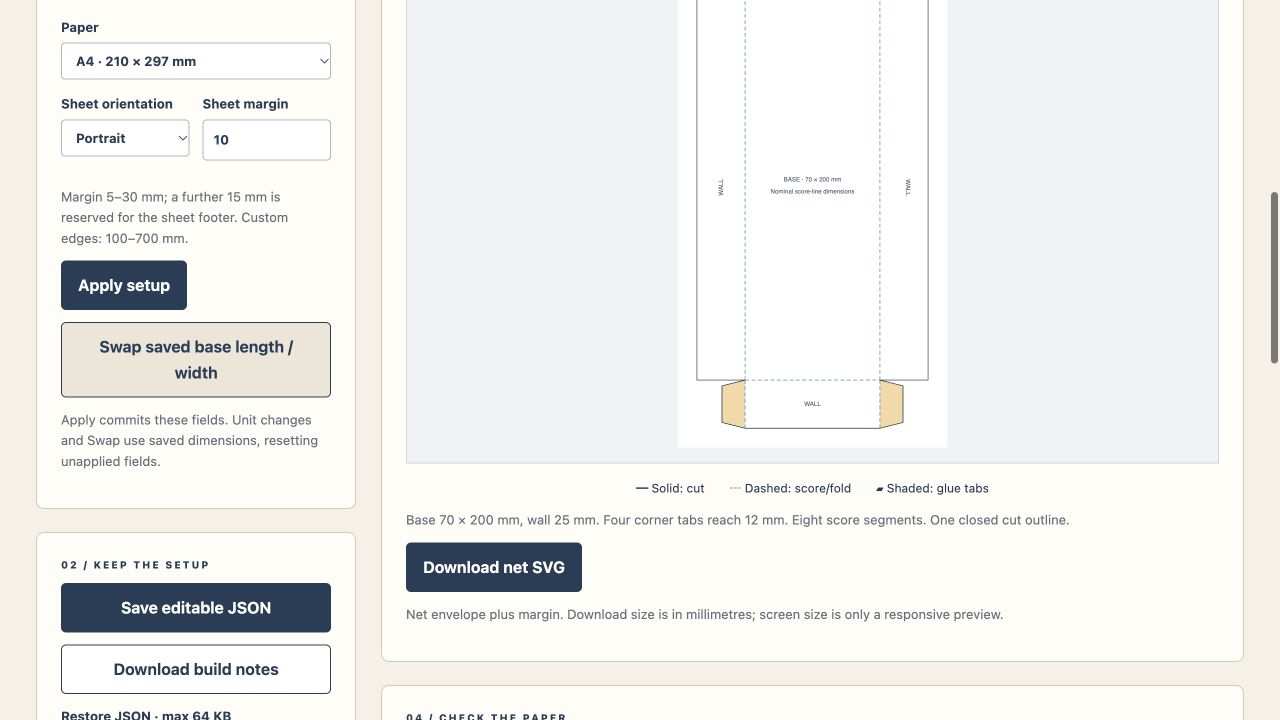
Nominal panel dimensions, four glue ears and millimetre-sized SVG files.
Features, workflow & limits →Practical guide · 3 min read
An export is not always an editable backup. Match the file to the next thing you need to do.
Read the workflow →Practical guide · 2 min read
How three different tools cover three different jobs without pretending to manage the event for you.
Read the workflow →Practical guide · 2 min read
Four image-related sites do very different things. Start with the output you actually need.
Read the workflow →Practical guide · 2 min read
Room coverage, pack weight, laundry limits and dough arithmetic answer bounded questions.
Read the workflow →