GatherPlay Studio · Feature guide · 11 November 2026
Make a party pack with bingo, word searches and conversation cards
By İsmail Tekindemir · 3 min read
Ownership disclosure: Taskfield Journal and all 17 featured sites are operated by İsmail Tekindemir. These are owner-written product guides, not independent reviews or paid third-party rankings. No ratings, user counts or traffic claims are implied.
Seven editable game generators, separate host sheets and browser PDF output.
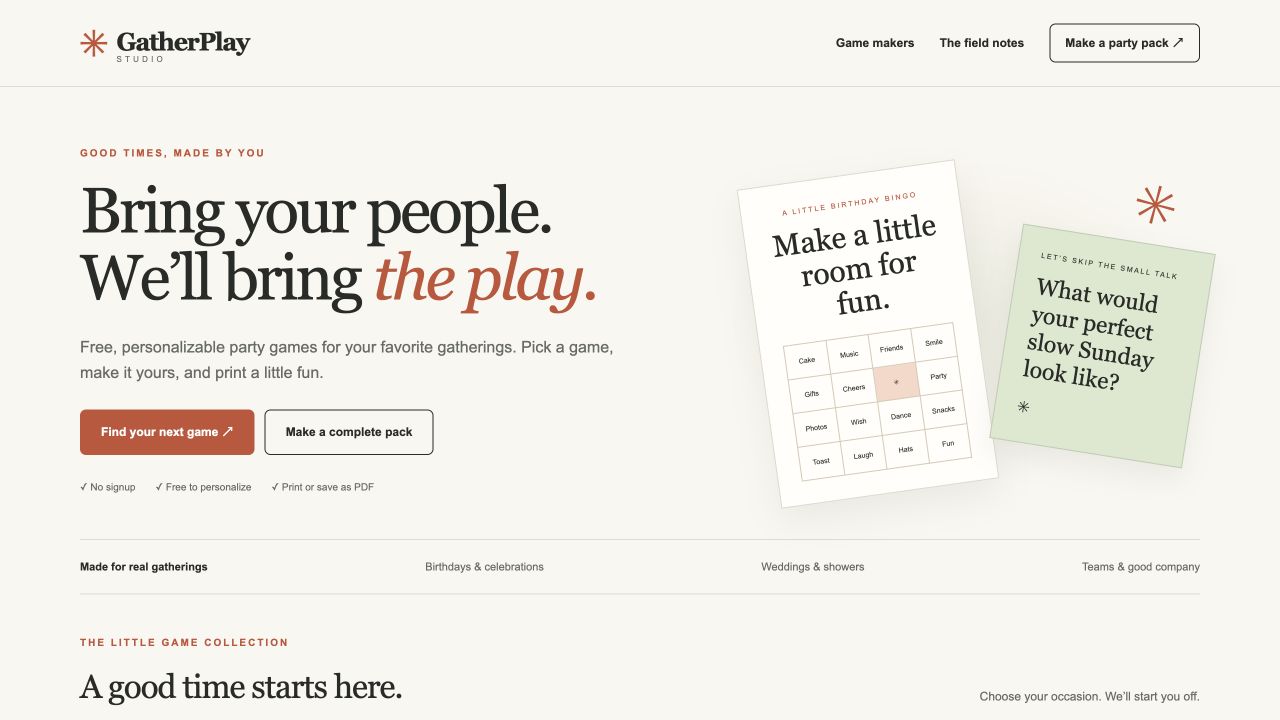
GatherPlay is for hosts who want a cohesive set of simple activities they can edit before an event. It combines seven generators with birthday, wedding, office and friends/family starting content. Rather than handing every player an answer key, it keeps the host and answer pages optional and separate.
Use the tool when you are ready to try the workflow.
Open GatherPlay Studio ↗Opens the separate product website in a new tab.
What it does
- Bingo supports 4×4 or free-center 5×5 cards, 1–30 different player cards and a separate calling list.
- Word searches use 10–18-cell square grids, eight directions, up to 20 words and an answer key. Unplaced words cause an error instead of silently disappearing.
- Conversation and charades sets each accept up to 24 editable cards, with six cards per page.
- Treasure hunts support 2–12 clues/targets and a separate setup list explaining where each next card belongs.
- The activity planner budgets 20–180 minutes for 2–100 people; planned activity durations sum to the requested total.
- The combined pack includes 1–20 bingo cards, a word-search master, up to 12 conversation cards and optional host/answer sheets.
- Edit title, footer, game text and one of four palettes; A4 and US Letter layouts are supported.
- Generate a new version reshuffles the same content. Invalid input clears the printable output and disables printing.
A practical workflow
- Choose one generator or the complete party pack and an occasion.
- Replace starter words, clues or prompts with content suited to the people attending.
- Pick A4 or Letter and decide whether the host/answer pages belong in this export.
- Review every page, then use the browser print dialog to save a PDF or print a trial.
A worked use case
For an office social, create conversation prompts without personal or sensitive questions, add bingo words relevant to the team, and export host sheets separately. The party planner is a time budget, not an attendance or room-booking system.
What you can keep
- Browser Print / Save as PDF
- Separate optional host and answer pages
Edits stay in tab memory, without app cookies or localStorage. Save the output before refreshing.
What it does not promise
- Paper, ink and physical printing are separate costs; saving PDF uses the browser, not a cloud PDF service.
- Print settings must match the chosen paper. Check a sample page; an in-app browser may not show the print dialog.
- The app does not send invitations, collect responses or decide whether a prompt is appropriate for your audience.
Where to go next
Visit GatherPlay Studio or compare the other events & people workflows.